Text
Text is the message template for sending text.
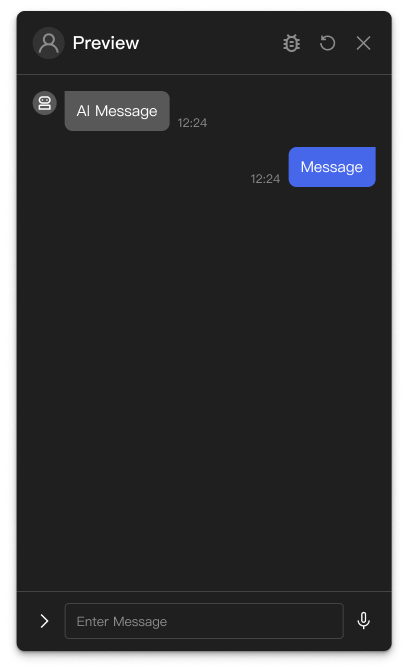
Basic usage
Text shows written content in the chat interface.
Template structure
JSON
{
  "type": "TEXT",
  "text": "Hello! Welcome to the Asgard assistant."
}
Properties
type (required)
The message template's type, always "TEXT".
text (required)
The text to show the user. Multi-line text is supported, using \n for line breaks.
quickReplies (optional)
An array of quick reply buttons. See Quick Replies.
Examples
To send text from Push Message:
- Choose
Expressionin the Template field's dropdown. - Enter the following JavaScript in the editor.
A plain text message
(() => {
  return {
    type: 'TEXT',
    text: 'Your order has been created. Order number: #12345',
  };
})()
Multi-line text
(() => {
  return {
    type: 'TEXT',
    text: 'Your order has been created.\nOrder number: #12345\nExpected delivery in 3 to 5 working days.',
  };
})()
With quick replies
(() => {
  return {
    type: 'TEXT',
    text: 'What would you like to know more about?',
    quickReplies: [
      {
        text: 'See the details',
      },
      {
        text: 'Buy',
      },
    ],
  };
})()