Update Context
Update Context is the processor that updates variables in a workflow.
Basic usage
Update Context adds or changes variable values according to its configuration, and those variables are then available to later processors. It works much like variable assignment in a programming language.
Configuration
The node's property panel:
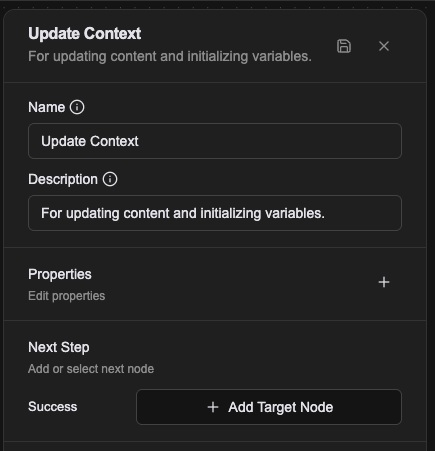
Name
The name shown on the canvas, used to identify this processor within the workflow.
Description
Explains what this processor is for, making the workflow easier to read.
Properties
Click (+) to add an entry.
Each entry has two parts:
- Variable name: the first input sets the context variable's name
- How the value is produced: choose how the value is assigned
Available value types:
- Literal: enter a fixed value directly
- Expression: compute the value with a JavaScript expression
- Template: compute the value with template syntax
Writing the Workflow CRD directly makes the mapping plainer: a config's name is the variable name, with no extra nesting.
- name: proc-init
  type: update-context
  labels:
    display_name: Initialize
  configs:
    - name: helpCenterUrl
      expression: |-
        (() => {
          return "https://help.buy123.com.tw/zh-TW/";
        })()
    - name: storefrontUrl
      expression: |-
        (() => {
          return "https://www.buy123.com.tw/";
        })()
Later processors read these keys by bare name in a prompt template, for example {{helpCenterUrl}}. Gathering fixed points like this — external URLs, code lookups, environment-dependent constants — at the top of a workflow is a common shape, because each value then appears once and changing it does not mean combing through every prompt.
configs may also be an empty array. The node named Init at the start of a Flow Agent's default workflow is exactly that: configs: [], setting no variables and existing purely as the workflow's opening node.
Relationships
Success
Once every specified context field has been updated, the workflow continues from this connection point. Every dynamic entry's name becomes a new variable name.
Examples
1. Assigning a plain variable
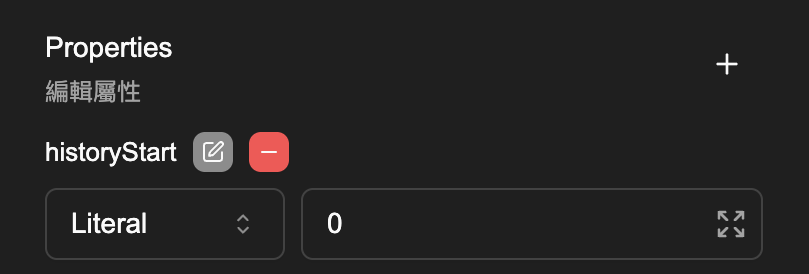
Declaring a variable and updating one are the same operation. The examples below assign historyStart.
1-1. Literal
For a single variable with no computation, this is the simplest form: type the value straight into the box.
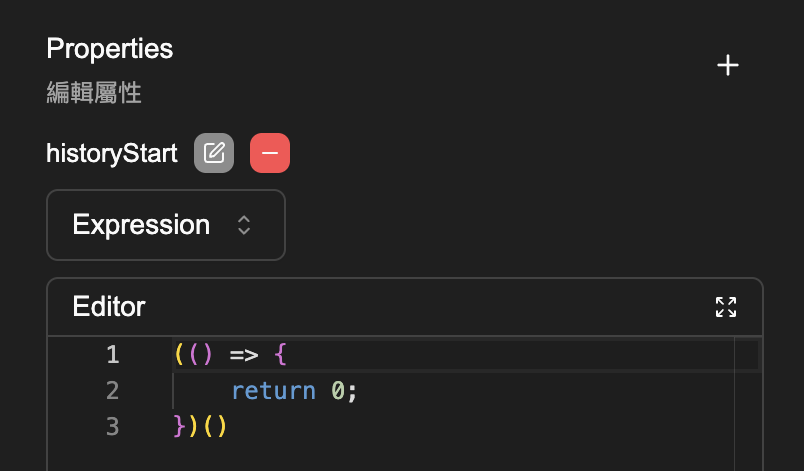
1-2. Expression
When the value has to be computed, switch to Expression mode. A simple fixed value looks like this:
(() => {
    return 0;
})()
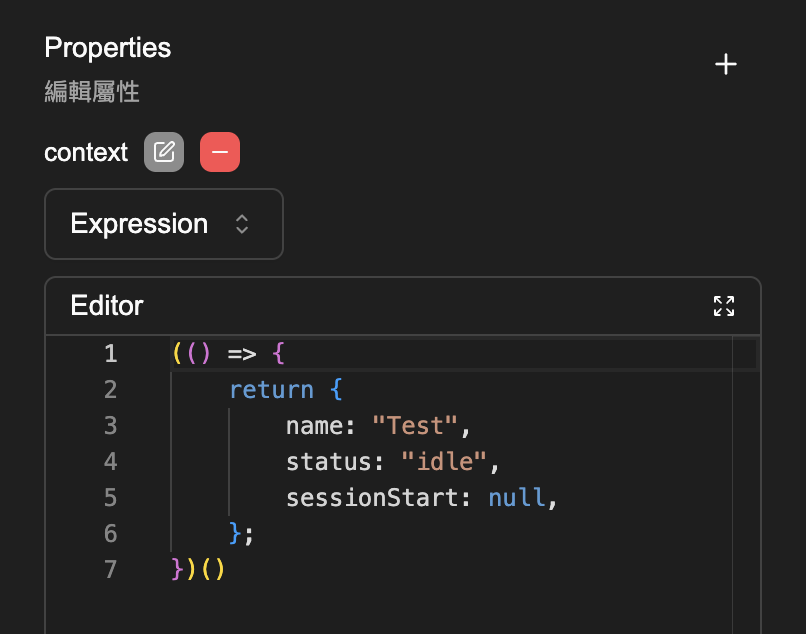
2. Assigning an object
An object has structure, so it cannot be set with Literal and has to use Expression mode.
2-1. Initialising the object
An object has to be initialised before anything else. Operating on a variable that does not exist yet is an error.
(() => {
    return {
        name: "Test",
        status: "idle",
        sessionStart: null,
    };
})()
2-2. Updating the object
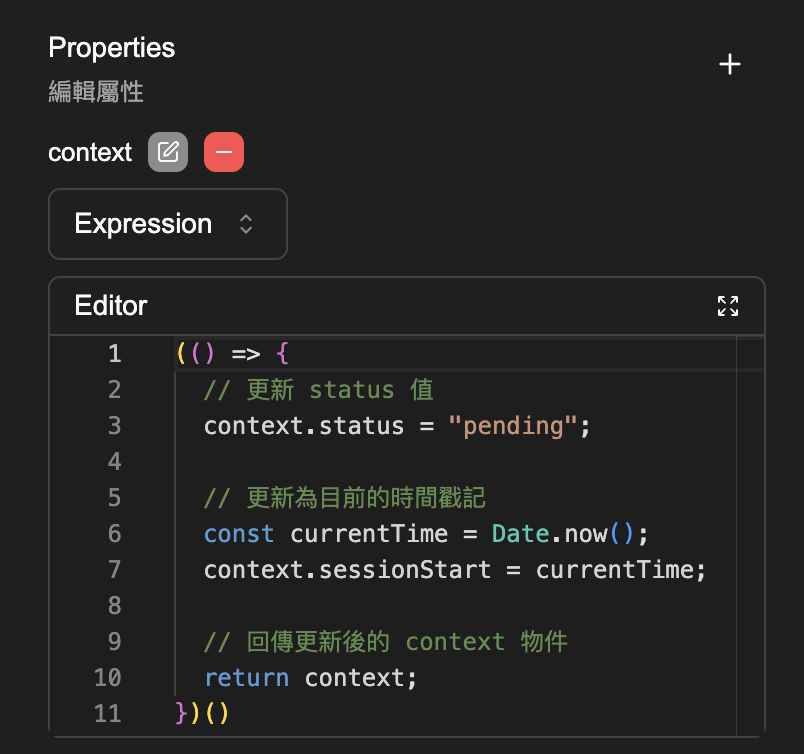
當物件已經初始化後,可以只更新特定的屬性值,其他屬性不會被覆蓋。以下示範更新 context 物件的 status 和 sessionStart 值:
(() => {
  // 更新 status 值
  context.status = "pending";

  // 更新為目前的時間戳記
  const currentTime = Date.now();
  context.sessionStart = currentTime;

  // 回傳更新後的 context 物件
  return context;
})()
title: Update Context Last Updated: 2026-09-09 description: '設定或更新流程裡的變數,是最常用來初始化的節點。' slug: /developer-reference/processor/update-context
Update Context 是用於更新工作流程中變數內容的 processor。
Notes
- If the variable already exists, the new value overwrites the old one.
- A variable set here is readable for the rest of the flow, until something overwrites it.
- An object has to be initialised before its fields can be updated; writing a field on an object that does not exist yet is an error.